

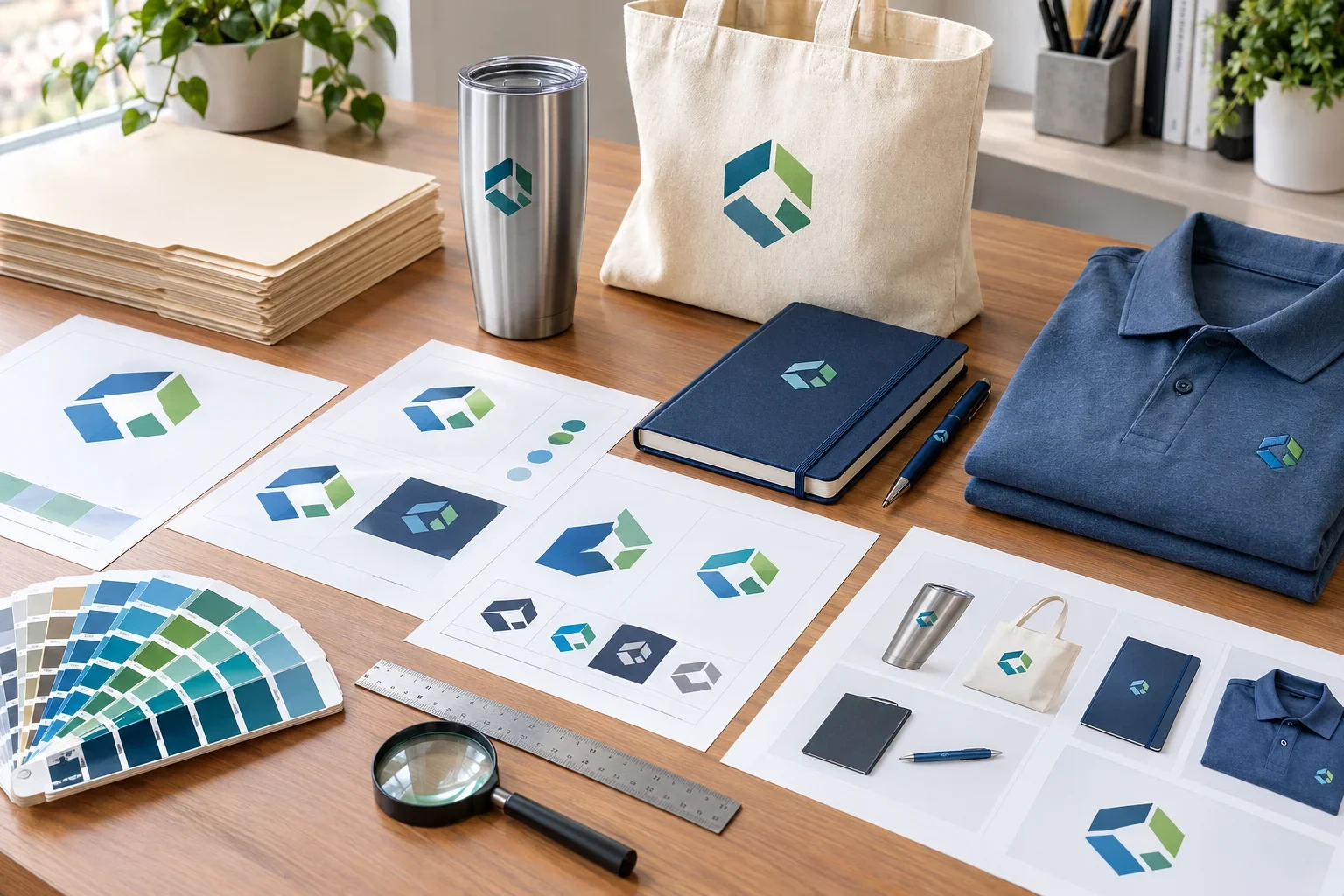
Quick Answer
Before ordering custom promotional products, send the best version of your logo, preferably vector artwork such as AI, EPS, SVG, or vector PDF. Check that you're using the correct logo version, that small details will fit the product's imprint area, and that your color requirements are clear. Provide any brand guidelines or special instructions, then carefully review your artwork proof before approving production.
Don't have perfect artwork? That's okay. Send the best file you have. Purple Pie Promos reviews artwork before production and can help identify whether a better file or adjustment is needed.
You've selected your promotional products, figured out your quantities, and you're ready to see your logo on everything.
Before submitting your artwork, there are a few things worth checking.
Most artwork problems aren't complicated. They're often simple issues such as uploading the wrong logo version, using a tiny website image, overlooking small lettering, or forgetting to specify an important brand color.
These problems are much easier to address before production than after hundreds of products have already been decorated.
The checklist below covers what to send, what to consider for your selected products, and what to review before giving final artwork approval.
Start With These Three Things
If you don't want to think about file formats, printing terminology, and color systems, start here.
The Three Essentials
These three steps cover the most important parts of artwork preparation.
That's the foundation. The rest of this checklist helps you catch the smaller details.
Part 1: Check Your Artwork Files
The quality and accuracy of your original artwork are the best places to start.
1. Find the Best Version of Your Logo
Whenever possible, use the original logo files provided by your graphic designer or branding agency.
Vector artwork is usually preferred because it can be resized without becoming blurry.
Common vector-friendly formats include:
- AI: Adobe Illustrator artwork
- EPS: A common vector production format
- SVG: Scalable vector graphics
- Vector PDF: A PDF containing actual vector artwork
Remember that the file extension alone doesn't guarantee the artwork is vector. A PDF or EPS can contain a raster image rather than clean vector shapes.
If you have an original vector file, that's usually the best one to send.
Learn more in what is vector artwork?
2. Avoid Screenshots and Small Website Images
A logo copied from your website, email signature, or social media profile may look sharp on a screen but be too small for professional printing.
These images are often compressed or saved at low resolution.
If possible, find the original artwork instead.
If a screenshot or website image is the only version you have, send it for review rather than trying to enlarge it yourself.
Where to look for original logo files
Try your original graphic designer, marketing department, website developer, previous screen printer, sign company, business card printer, or company brand folder. You may already have production-ready artwork without realizing it.
3. Make Sure You're Using the Correct Logo
Many businesses have several versions of their logos.
Before uploading artwork, confirm that you're sending the version you actually want printed.
Check for:
- Current company name and logo design
- Correct tagline or slogan
- Updated website or contact information
- Approved company colors
- Correct registered trademark or other symbols, when applicable
If you have an older logo and a newer version, clearly identify which one should be used.
4. Include Alternate Logo Versions if Available
Different promotional products have different imprint areas.
A long horizontal logo might fit beautifully on a pen but not work as well on a small square imprint area.
If your company has approved alternate logo versions, they can be helpful.
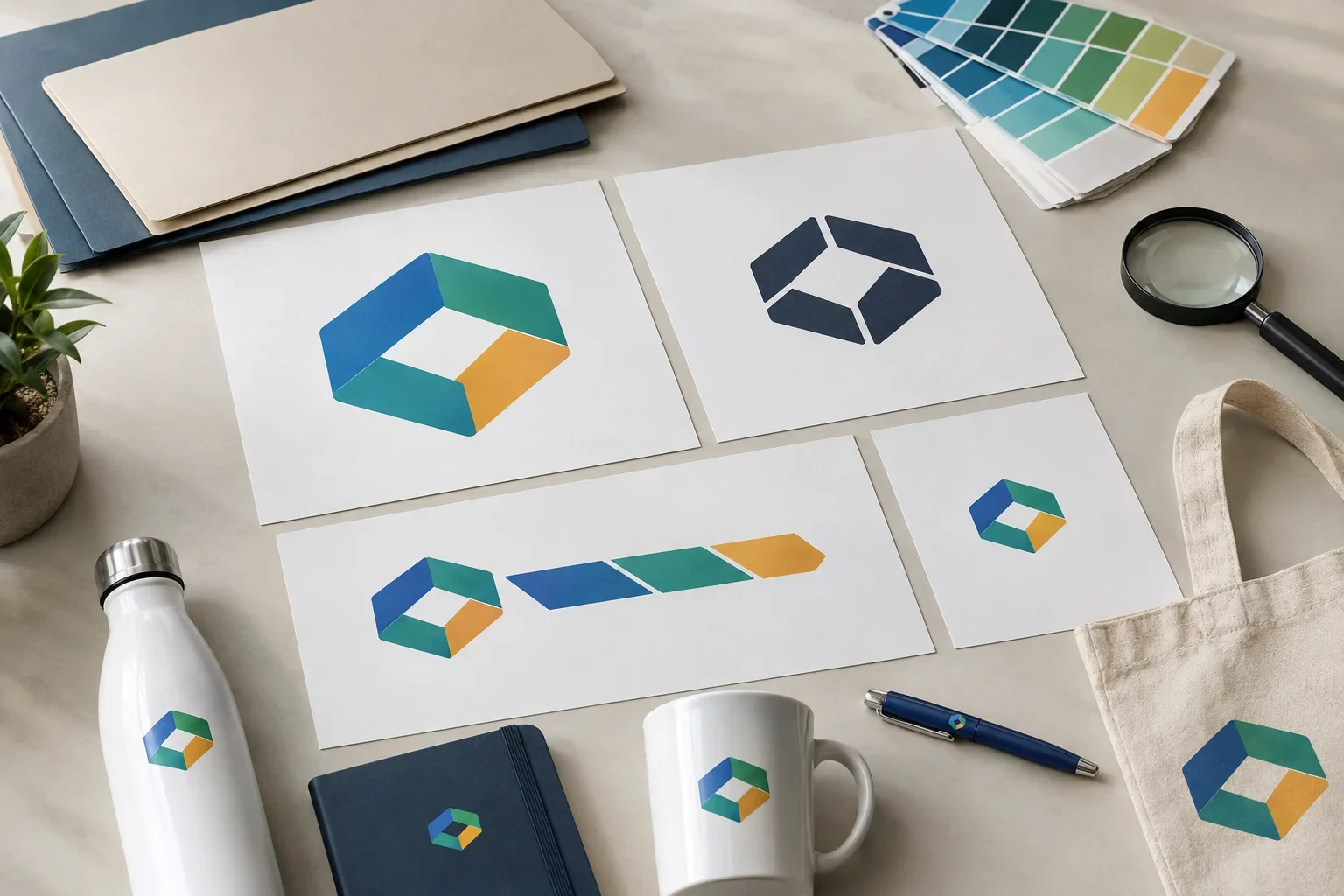
Useful Logo Versions
Different layouts can help your branding fit different products without distortion.
Full Color
Useful when the product supports multiple colors or full color decoration.
One Color
Helpful for many screen printing, engraving, debossing, and other decoration applications.
Horizontal or Stacked
Different layouts may fit wide, tall, or compact imprint areas more naturally.
Icon Only
An approved symbol-only version may work better on very small products.
You don't need to create new versions just to place an order. Simply send any approved variations you already have and identify your preferred version.
Part 2: Make Sure Your Logo Fits the Product
Good artwork is important, but the design also needs to work with the actual product and decoration method.
5. Check the Available Imprint Area
Every promotional product has specific areas where a logo can be applied.
A tote bag may allow a relatively large design, while a pen, keychain, or small tech accessory may have much less room.
Before ordering, consider whether your logo's shape and details make sense for the available space.
Remember that the maximum imprint area isn't always the ideal logo size. A smaller, balanced imprint may look better on certain products.
Read how large can my logo print? for more information.
6. Look for Tiny Text and Fine Details
A logo can be perfectly sharp in the original file and still contain details that won't reproduce well at a small size.
Common trouble spots include:
- Small taglines beneath company names
- Thin decorative lines
- Tiny website addresses
- Intricate illustrations
- Very small gaps between design elements
- Fine gradients or shadows that the selected method may not support
These elements may work well on large imprints but become difficult to reproduce on smaller products.
An approved simplified logo or a product with a larger imprint area may be a better fit.
7. Consider the Decoration Method
Your artwork may be reproduced differently depending on how the product is decorated.
For example:
- Screen printing: Often works well with clean shapes and solid colors.
- Embroidery: Converts artwork into stitches and may require simplification of fine details.
- Laser engraving: Usually works best with well-defined artwork and generally does not reproduce full color logos.
- Full color printing: May support gradients, detailed artwork, and multiple colors, depending on the product.
- Debossing and embossing: Often require clean, simplified shapes that can be reproduced in the material.
You don't need to become an expert in every decoration process before ordering.
However, it's helpful to understand that a design suitable for full color printing may not work the same way with embroidery or engraving.
For a complete overview, read which decoration method should I choose?
Part 3: Check Your Colors and Branding
Color information helps communicate how your logo should look, but physical products don't always reproduce colors exactly like a computer screen.
8. Provide Brand Color Information
If your company has official Pantone colors, include those references with your artwork.
Pantone numbers help printers identify specific intended colors rather than relying on descriptions such as "dark blue" or "bright green."
If you don't know your Pantone colors, that's fine.
Send your original logo and any available brand guidelines. RGB, CMYK, or HEX specifications may also be helpful references.
Keep in mind that exact color matching capabilities depend on the product and decoration method.
For more information, read what are Pantone colors?
9. Think About the Product Color
Your logo may look very different on a white product than it does on a black, navy, or brightly colored one.
For example, a dark blue logo may not stand out well against a navy tumbler.
A white or light-colored version of the logo might create better contrast.
Likewise, a bright logo printed on a dark fabric may require a different production approach than the same logo printed on white fabric.
If you have approved light and dark versions of your logo, send them when appropriate.
Don't judge colors only by your screen
Colors on a computer or phone may look different from printed ink, embroidery thread, or engraving on physical products. If precise brand color matching is important, mention that before ordering so the available options can be reviewed.
Part 4: Include Clear Artwork Instructions
Even with perfect logo files, a little additional information can help avoid confusion.
10. Identify Your Preferred Imprint Location
Some products offer multiple decoration locations.
For example, apparel may offer left chest, full front, back, or sleeve decoration. Drinkware may offer front, back, or other imprint locations depending on the product.
If you have a preference, communicate it when submitting your order.
Available locations vary by product, so your preferred placement may need to be reviewed against the supplier's options.
11. Explain Any Special Artwork Requirements
If your brand has specific requirements, include them with your artwork.
Examples might include:
- Use the full color logo whenever the selected method supports it.
- Use the approved one-color version on engraved products.
- Do not remove the company tagline without approval.
- Maintain the original logo proportions.
- Use the specified Pantone colors when matching is available.
- Use a particular approved logo version for dark-colored products.
These instructions don't need to be complicated. A short explanation can be enough to communicate what's important.
Part 5: Review Your Artwork Proof
This is your last important checkpoint before production.
An artwork proof shows the intended decoration and provides an opportunity to confirm the details.
12. Check Everything Before Approving
When you receive your proof, don't just glance at the logo and click approve.
Take a moment to confirm the artwork and available specifications.
Final Proof Review
These are the details worth checking before giving approval.
- Logo: Is the correct version of your logo being used?
- Spelling: Are company names, websites, phone numbers, slogans, and dates correct?
- Placement: Is the logo positioned where you expected?
- Imprint size: Are the listed physical dimensions appropriate?
- Proportions: Does the logo look natural without being stretched or distorted?
- Colors: Are the applicable imprint color specifications correct?
- Product: Does the proof correspond to the correct product and selected color?
- Decoration method: Is the specified method consistent with your order?
- Fine details: Are important lettering and design elements appropriate for the imprint?
If something looks incorrect or unclear, ask for clarification or request a revision before approving the artwork.
Once artwork is approved, production preparations may begin. Changes requested afterward may cause delays, additional costs, or may no longer be possible.
For a detailed explanation, read what is a print proof?
What If You Don't Have All This Information?
You don't need to have every artwork detail figured out before ordering promotional products.
Many customers don't know whether their logo is vector, what their Pantone colors are, or which printing method will work best.
That's normal.
Start by sending the best logo file available and identifying the product you want.
If you have brand guidelines, alternate logo versions, or specific printing preferences, include those too.
Purple Pie Promos reviews artwork, product specifications, imprint areas, and decoration methods before production.
If the artwork isn't suitable for the selected method or a better file is needed, we'll help explain the available options.
You don't have to prepare everything perfectly
Send the best artwork you have. If the file needs adjustment, the logo is too detailed for the imprint area, or the decoration method isn't appropriate for your design, Purple Pie Promos can help review the options before production. You shouldn't have to guess your way through artwork preparation.
What If Your Artwork Isn't Production-Ready?
If your artwork needs attention, the solution depends on the issue.
Some problems can be addressed by finding a better original file. Others may require artwork cleanup, a simplified logo, or an alternative decoration method.
Common Artwork Problems and Next Steps
A quick troubleshooting reference before ordering.
Blurry Logo
Look for an original vector file or higher-resolution version. Some artwork may be suitable for recreation.
Only Have a JPG or PNG
Send the highest-quality version available. It may work for certain decoration methods.
Too Much Detail
Consider an approved simplified logo or a product with a larger imprint area.
Color Concerns
Provide brand references and ask about available ink, thread, or color matching options.
Logo Doesn't Fit
Review alternate logo layouts, available imprint locations, or similar products.
Proof Looks Wrong
Request clarification or corrections before giving final approval.
For a more detailed look at artwork problems, visit common artwork mistakes.
A Few Final Tips for Time-Sensitive Orders
If you're ordering promotional products for a trade show, conference, employee event, grand opening, or other specific date, artwork preparation becomes especially important.
Locating a better logo file or requesting revisions can add time before production begins.
To help avoid unnecessary delays:
- Submit your artwork as early as possible.
- Include your required delivery date when requesting the order.
- Identify the correct logo version from the beginning.
- Provide any important color matching requirements early.
- Respond promptly if additional artwork information is requested.
- Review artwork proofs carefully and return approvals or corrections promptly.
Production and shipping schedules vary by product and supplier, so it's important to confirm timing rather than assuming every item has the same turnaround.
Your Quick Artwork Checklist
Here's the condensed version you can refer to whenever you're getting ready to place an order.
Before You Submit Your Artwork
Twelve simple things to check before ordering custom promotional products.
- Best file: Locate your original logo artwork if available.
- File quality: Avoid relying on small screenshots or low-resolution images.
- Correct logo: Confirm you're using the current approved version.
- Alternate versions: Include approved one-color, horizontal, stacked, or simplified logos if available.
- Imprint area: Make sure your logo is appropriate for the available space.
- Fine details: Consider whether tiny lettering and thin lines will reproduce clearly.
- Decoration method: Make sure the available printing process suits the design.
- Brand colors: Provide Pantone numbers or other official color information when available.
- Product color: Consider how your logo will look on the selected product color.
- Placement: Identify your preferred imprint location.
- Special instructions: Communicate important branding requirements.
- Proof approval: Check the artwork and specifications carefully before production.
The Bottom Line
Preparing artwork for promotional products doesn't have to be complicated.
Start with the best available logo file, confirm the correct version, consider how the design will fit the selected product, and provide any important brand color or placement instructions.
Then carefully review your artwork proof before giving final approval.
These simple steps can help reduce unnecessary artwork revisions, prevent common printing mistakes, and make the ordering process smoother.
And remember, you don't need to understand every file type, color system, or decoration method before getting started.
Good preparation makes a difference
Clean artwork, clear instructions, and careful proof review are the foundation of a successful custom promotional product order.
Send the best logo file you have. Purple Pie Promos can help review the artwork and available decoration options before production.

Ready to put your logo on something great?
Purple Pie Promos can help review your artwork, product selection, imprint area, and available decoration methods before production. Whether you have a complete brand package or just a logo saved on your computer, send the best artwork you have and we'll help guide you through the next steps.
Get Help With Your Artwork