

Quick Answer
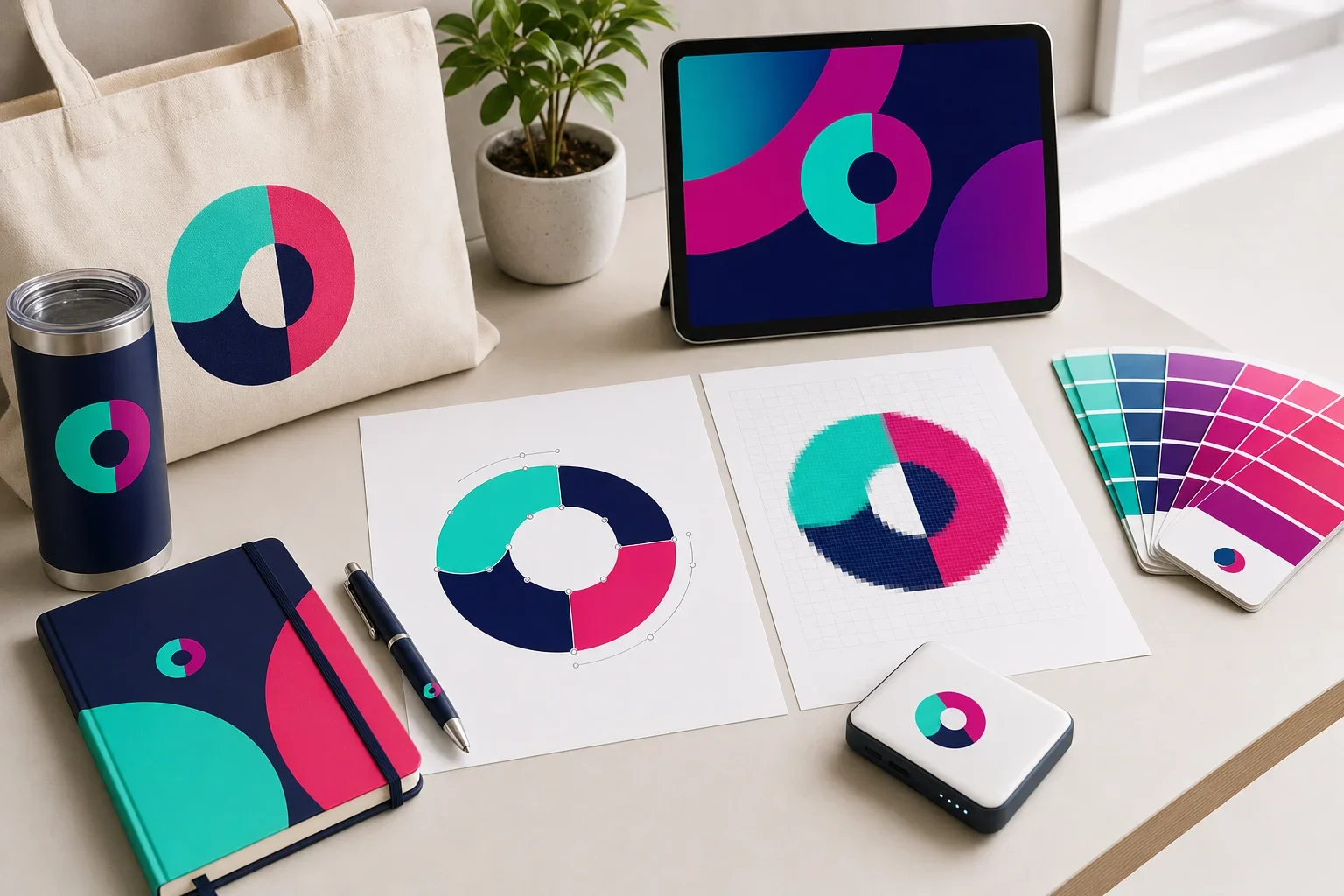
Vector images are built from paths, curves, and shapes, so they can usually be resized without becoming blurry. Raster images are built from pixels, so they can lose quality when enlarged. For promotional products, vector artwork is usually best for logos, spot color printing, embroidery, engraving, debossing, and clean production artwork. High-resolution raster images can still work for some full color printing methods, but low-resolution screenshots, website logos, and small JPG or PNG files often cause problems.
If you have ever uploaded a logo and heard that the file is “too low resolution,” “not vector,” or “may print blurry,” this is usually what the decorator is talking about. It is not about making the process more complicated. It is about making sure the artwork has enough quality for the product and decoration method.
Most customers do not need to become file-format experts. But knowing the difference between vector and raster images can help you understand why one logo file may work beautifully, while another file that looks fine on your screen may not be production-ready.
This guide explains the difference in plain English, when each file type can work, and what to send when you are ordering custom promotional products.
You do not have to diagnose your own artwork
Send the best file you have. Purple Pie Promos reviews your artwork, product, imprint area, and decoration method before production. If a different file, higher-quality version, or artwork adjustment is needed, we will help guide you before the order moves forward.
Why the Difference Matters
Promotional products are decorated in the real world, not just displayed on a screen. Your logo may need to be printed on a pen, embroidered on a polo, engraved on a tumbler, debossed into a notebook, printed on a tote bag, or applied to a full color tech item.
Each product has its own imprint area, material, texture, shape, and decoration method. A logo that looks acceptable in an email signature may not have enough detail to print clearly on a physical item.
The artwork file gives the decorator the starting material. A clean file gives production a better chance of producing a clean result. A fuzzy, tiny, or compressed file can create problems before the product ever reaches the machine.
Artwork Quality Affects Production
The file type can affect how your logo resizes, prints, stitches, engraves, or presses into a product.
What Is a Vector Image?
A vector image is built from paths, points, lines, curves, and shapes. Instead of being made from a fixed grid of tiny squares, the artwork is built from scalable instructions.
That means vector artwork can usually be enlarged or reduced without becoming blurry. The edges stay smooth because the file is not simply stretching pixels. It is redrawing the shapes at the new size.
Vector artwork is especially useful for logos because logos often need to appear in many sizes. The same logo might be used small on a pen, medium on a notebook, large on a tote bag, and stitched on apparel.
Vector Artwork Is Usually Best For
Clean, scalable artwork is helpful for many logo decoration methods.
Logos
Vector files are usually the best starting point for clean logo reproduction.
Spot Color Printing
Solid logo colors are easier to separate and prepare from vector artwork.
Embroidery
Clean artwork gives the digitizer a better starting point for stitch conversion.
Engraving
Simple vector shapes often engrave more cleanly than blurry raster images.
Debossing
Pressed or raised decoration usually needs clean shapes without tiny messy edges.
Resizing
Vector artwork can move between small and large imprint areas more easily.
For a more detailed explanation, read what is vector artwork?
What Is a Raster Image?
A raster image is built from pixels. Pixels are tiny squares of color that create the image. JPG, PNG, GIF, TIFF, and many photo files are raster images.
Raster images can be perfectly useful in the right situation. Photos, detailed illustrations, digital graphics, and full color artwork are often raster images.
The issue is that raster images have a fixed amount of image information. If the file is small and you enlarge it too much, the pixels become more visible. The result can look blurry, jagged, soft, or blocky.
Raster Images Are Commonly Used For
Raster files can work well when they are high resolution and matched to the right decoration method.
Photos
Photographic images are usually raster files because they contain many colors and details.
Full Color Art
Complex graphics may use raster artwork when the decoration method supports it.
Digital Printing
Some full color print methods can use high-resolution raster artwork.
Web Images
Website images are often raster files, but they may be too small for production.
Vector vs. Raster: The Simple Comparison
The easiest way to understand the difference is to think about resizing. Vector artwork is built to scale. Raster artwork depends on how many pixels it has.
If you enlarge a vector logo, the curves can stay smooth. If you enlarge a small raster logo, the computer has to stretch the existing pixels. That is when the artwork starts to fall apart.
Vector vs. Raster Images
Both file types can be useful, but they behave differently in production.
Vector Images
- Built from paths, shapes, and curves
- Can usually be resized without becoming blurry
- Best for most logo production files
- Often used for screen printing, embroidery, engraving, and debossing
- Common file types include AI, EPS, SVG, and vector PDF
Raster Images
- Built from pixels
- Can become blurry or jagged when enlarged
- Often used for photos and detailed full color images
- Can work for some full color methods if high resolution
- Common file types include JPG, PNG, GIF, TIFF, and PSD
Common Vector File Types
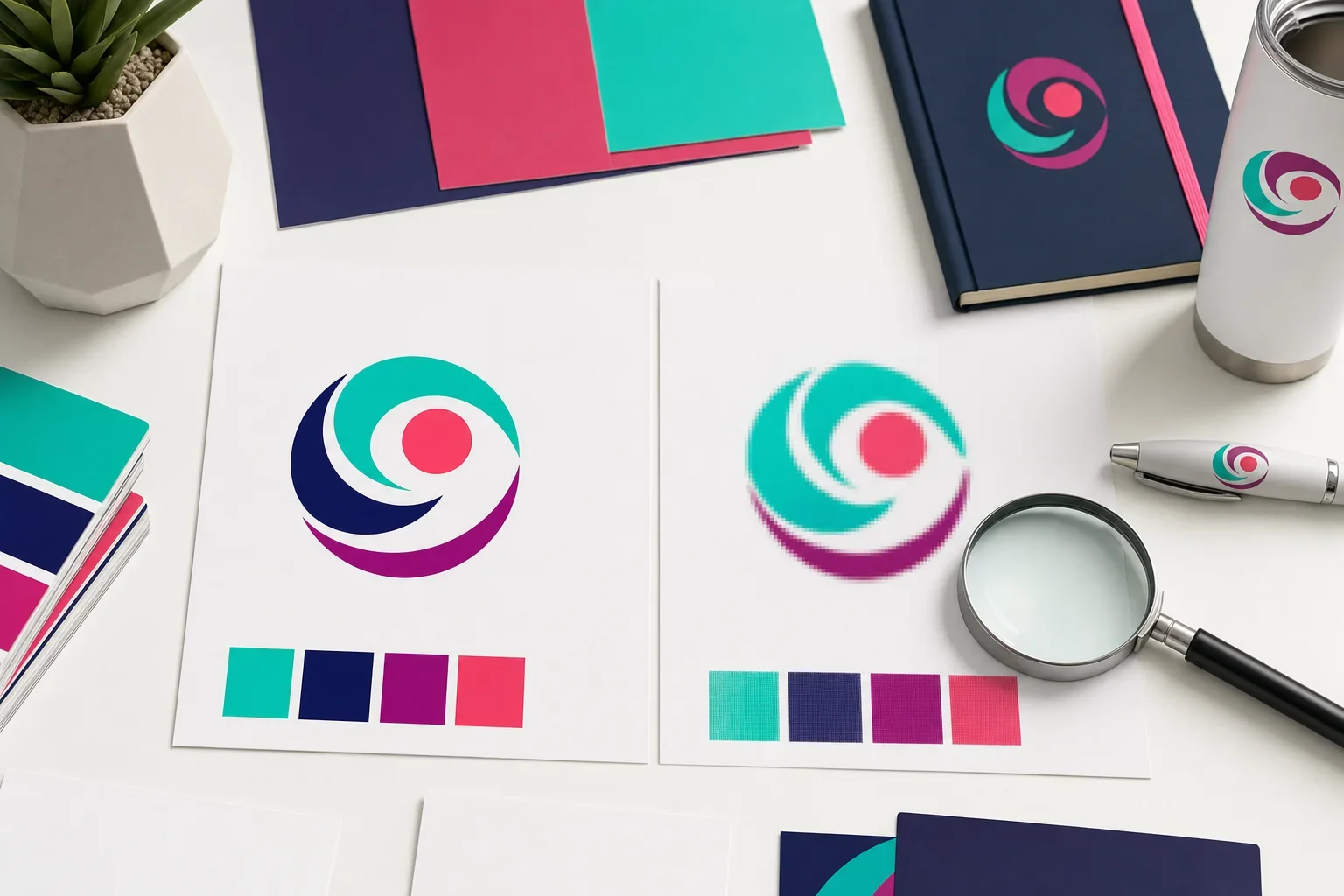
Vector files are often created by designers, branding agencies, print shops, sign companies, apparel decorators, or marketing teams. If your logo was professionally designed, you may already have vector files in your original logo package.
Common vector-friendly file types include:
Vector-Friendly File Types
These file types are often useful, but the file still needs to be checked.
AI
An Adobe Illustrator file. Often one of the most useful logo formats for production artwork.
EPS
A common production artwork format that often contains scalable vector shapes.
SVG
A scalable vector format often used for web graphics and logo files.
A PDF can contain vector artwork, but not every PDF is truly vector.
Common Raster File Types
Raster images are very common. They are not bad files. They just have limits when they are used for logo production or enlarged beyond their original size.
Common raster file types include:
Raster File Types
Raster files are pixel-based and need enough resolution for the intended use.
JPG
Common for photos and web images, but compression can soften logo edges.
PNG
Common for web logos and transparent backgrounds, but still pixel-based.
TIFF
Often used for higher-quality raster artwork or images, depending on the file.
PSD
A layered Photoshop file. It may be useful for design work, but it is usually raster-based.
For more upload guidance, read what file types can I upload?
File Extensions Can Be Misleading
The letters at the end of a file name do not always tell the whole story. A file may have a helpful extension but still contain poor artwork inside.
For example, a PDF can contain clean vector artwork, or it can contain a blurry JPG placed inside a PDF. An SVG can contain vector shapes, but it may also contain embedded raster image information. A PNG may be large and high quality, or it may be a tiny web logo.
This is why artwork usually needs to be opened and reviewed. The file type is a clue, not a guarantee.
A PDF is not automatically vector
A PDF can be very helpful, so send it if you have one. Just know that not every PDF contains production-ready vector artwork. Sometimes a PDF is only a container for a low-resolution image.
Why Raster Logos Get Blurry
A raster logo is made from a specific number of pixels. When the logo is displayed at its original size, it may look fine. But if it needs to be enlarged for a larger imprint area, the image may not have enough information to stay sharp.
That is why small logos pulled from websites, social media profiles, email signatures, and screenshots often cause problems. They were usually created to look acceptable on a screen, not to be enlarged for production.
Once a raster file is blurry, simply saving it as a different file type does not fix the quality. A blurry JPG saved as a PDF is still blurry inside. A screenshot saved as a PNG is still a screenshot.
Helpful rule
If the logo came from a website, email signature, social media profile, or screenshot, it may be useful for reference, but it may not be production-ready artwork.
If this is happening with your logo, read why does my logo look blurry?
When Vector Artwork Is Best
Vector artwork is usually best when you are decorating a logo, name, icon, badge, wordmark, or simple graphic. It is especially helpful when the artwork needs to stay crisp at different sizes.
Many promotional product decoration methods work better with vector artwork because the design needs to be cleanly separated, cut, engraved, stitched, printed, or pressed.
Use Vector Artwork When Possible For
These decoration methods often benefit from clean, scalable logo artwork.
Screen Printing
Clean vector shapes help separate colors and prepare simple logo artwork.
Embroidery
Vector artwork gives a cleaner starting point before the design is converted into stitches.
Laser Engraving
Simple vector shapes can engrave more cleanly than fuzzy raster images.
Debossing
Pressed designs need clean shapes without blurry edges or tiny pixel noise.
Pad Printing
Small hard goods often need simple, clean artwork because imprint areas can be limited.
Spot Color Logos
Logos with solid brand colors are often easier to prepare from vector files.
If you are deciding how your item should be decorated, read which decoration method should I choose?
When Raster Artwork Can Work
Raster artwork can work in the right situation. A high-resolution raster file may be acceptable for some full color digital printing, full color transfers, sublimation, decals, or photo-based designs.
The key is quality. The raster file needs to be large enough and sharp enough for the actual imprint size. A tiny web image is different from a high-resolution design file created for print.
Raster artwork may be appropriate when the design includes photographs, complex color blends, textures, or artwork that is not meant to be simplified into solid vector shapes.
Raster Artwork May Work When
Pixel-based files are not always wrong, but resolution and decoration method matter.
It Is High Resolution
The file has enough detail for the actual imprint area.
It Is Full Color
The method supports colorful artwork, gradients, or photo-style designs.
It Is Not Enlarged Too Much
The artwork can be printed close to its intended size without stretching.
The Product Supports It
The item and decoration method can reproduce the type of raster artwork you are using.
How This Affects Promotional Product Decoration
The same logo may need to be prepared differently depending on the product. This is why artwork review is so important.
A vector logo may be ideal for a one-color screen print on a tote bag, an embroidered chest logo on a polo, an engraved tumbler, or a debossed notebook. A high-resolution raster image may be better for a full color photo-style print on certain compatible products.
The goal is not always to force every file into one format. The goal is to match the artwork, decoration method, and product so the finished item looks clean and appropriate.
Can a Raster Image Be Converted to Vector?
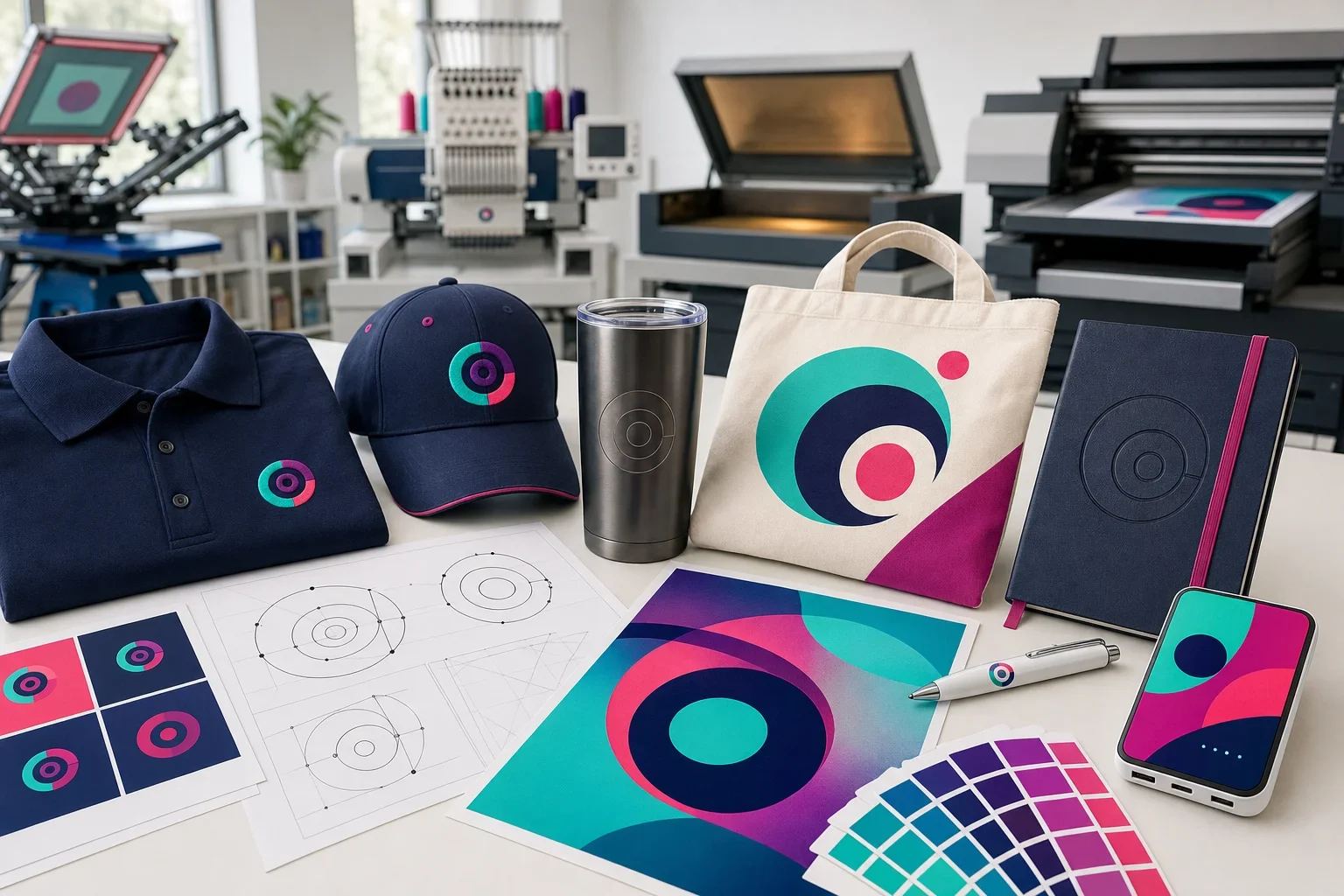
Sometimes. A simple raster logo may be recreated as vector artwork, especially if the image is clear and the design is not too complicated.
However, conversion is not always automatic or perfect. Auto-tracing a blurry image can create uneven curves, rough edges, extra shapes, and inaccurate details. In many cases, the artwork may need to be manually rebuilt to look clean.
Detailed photos, gradients, textures, and shadows may not convert into simple vector artwork without changing the appearance. Sometimes the better choice is to use a high-resolution raster file with a compatible full color decoration method.
Vector conversion is not magic
A clean original vector file is usually better than trying to rebuild a logo from a small blurry image. If you have access to the original designer, brand folder, or previous print vendor, ask for the AI, EPS, SVG, or vector PDF version.
What File Should You Send?
If you have multiple versions of your logo, send the best options you have. It is better to send a few possible artwork files than to guess which one is correct.
For logo decoration, vector files such as AI, EPS, SVG, or vector PDF are usually most helpful. If you only have raster files, send the largest and sharpest PNG, JPG, TIFF, or PSD file available.
If you have brand guidelines, Pantone colors, or notes about which logo version should be used, send those too. That can help with color and logo consistency.
Best Files to Send
When in doubt, send the best file you have and let the artwork be reviewed.
Best Choice
AI, EPS, SVG, or vector PDF files for most logo artwork.
Also Helpful
High-resolution PNG, JPG, TIFF, or PSD files for certain full color methods.
Useful Reference
Screenshots, website images, and email logos can help identify the logo, but may not be production-ready.
Color Notes
Pantone colors or brand guidelines can help if color matching is important.
If color consistency matters, read what are Pantone colors? and can you match my brand colors?
Common Vector and Raster Mistakes
Artwork mistakes are common, especially when files have been passed between designers, employees, websites, vendors, and old email threads. Nobody needs to wear the cone of shame. The goal is simply to catch issues before production.
- Assuming a PNG is vector because it has a transparent background
- Assuming every PDF contains vector artwork
- Uploading a small website logo for a large imprint area
- Using a screenshot instead of the original logo file
- Saving a blurry JPG as a PDF and expecting the quality to improve
- Using raster artwork for a method that needs clean spot colors
- Trying to embroider tiny text or thin lines from a detailed raster image
- Approving a proof without checking logo size, placement, spelling, and general appearance
For more ways to avoid production delays, read common artwork mistakes.
Vector vs. Raster Checklist
Use this checklist before submitting artwork for a promotional product order.
Artwork Format Checklist
The right file depends on the design, product, and decoration method.
Logo Artwork
Use vector artwork when available, especially for clean brand logos.
Photos or Gradients
Use high-resolution raster artwork when the decoration method supports full color detail.
File Quality
A small, blurry, or compressed file may not become clean just because it is saved differently.
Product Fit
Small imprint areas may require simpler artwork, regardless of file type.
Decoration Method
Screen printing, embroidery, engraving, debossing, and full color printing may need different prep.
Proof Review
Always review the proof carefully before approving production.
For a more complete prep list, visit our artwork checklist before ordering.
How Proofs Help Catch Artwork Issues
A proof helps show the logo version, approximate size, placement, and general appearance before production begins. It can help catch obvious issues, but it does not automatically turn poor artwork into clean artwork.
If the starting file is too low resolution, the proof may still show a logo that looks soft or unclear. If the imprint area is small, tiny details may still be difficult to reproduce. That is why artwork review and proof review work together.
For more detail, read what is a print proof?
The Bottom Line
Vector images and raster images are built differently. Vector artwork is made from scalable paths and shapes, which makes it usually best for logos and promotional product production. Raster artwork is made from pixels, which can work well for photos and some full color methods, but can become blurry when enlarged.
For most logo orders, send vector artwork if you have it. If you do not, send the highest-quality file available. A screenshot, website logo, or small email signature image may help as a reference, but it may not be production-ready.
You do not need to solve every artwork question yourself. Purple Pie Promos reviews your artwork before production and will help let you know if a better file or adjustment is needed.
Vector is usually best for logos, raster can work when resolution is high
The right file depends on the artwork, product, imprint size, and decoration method.
If you are not sure what kind of file you have, send it anyway. We can help review it before your order moves forward.
Need help figuring out if your artwork will work?
Purple Pie Promos can review your logo file, product, imprint area, and decoration method before production. Send the best artwork you have, and we will help you figure out whether it is ready or if a better file is needed.
Request Artwork Help