

Quick Answer
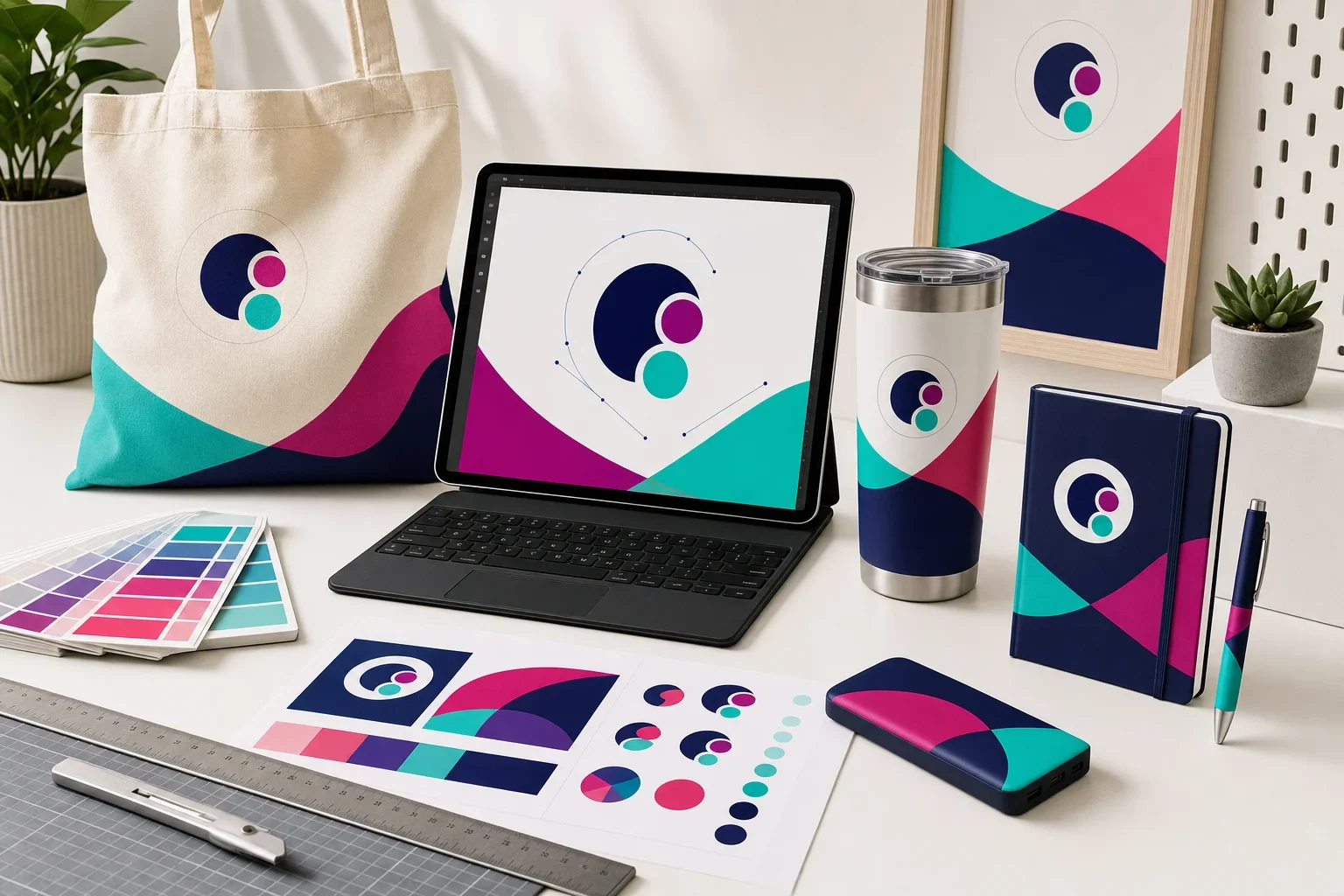
Vector artwork is a logo or design file built from paths and shapes instead of pixels. Because it is not made from a fixed grid of tiny squares, it can be enlarged or reduced without becoming blurry. That makes vector artwork ideal for promotional products because logos often need to be resized for different imprint areas, decoration methods, and product types.
If someone has asked you for a vector file and you immediately thought, “I have no idea what that means,” you are not alone. Most customers do not use artwork file terms every day. You should not need a tiny design-school diploma just to order pens, shirts, tote bags, mugs, notebooks, or tumblers.
But vector artwork does matter. The quality of the artwork file can affect how clean your logo looks when it is printed, embroidered, engraved, debossed, or applied to a product.
This guide explains what vector artwork is, why it is preferred for promotional products, which file types are commonly helpful, and what to do if you only have a PNG, JPG, screenshot, or logo copied from your website.
Send the best file you have
You do not need to panic if you are not sure whether your logo is vector. Send the best file you have. Purple Pie Promos reviews your artwork, product, imprint area, and decoration method before production. If the artwork needs adjustment or another file would produce a better result, we will help guide you before the order moves forward.
Why Vector Artwork Matters for Promotional Products
Promotional products come in many shapes, sizes, materials, and imprint areas. Your logo may need to fit on a small pen barrel, a curved tumbler, a shirt chest, a tote bag, a notebook cover, a power bank, or a hat.
A logo that looks fine on a computer screen may not be clean enough for production. If the file is low resolution, tiny, blurry, or copied from a website, it may not reproduce clearly when resized or decorated on a physical product.
Vector artwork helps because it gives the decorator clean, scalable artwork to work from. That can make your logo easier to size, separate by color, simplify for embroidery, engrave cleanly, or prepare for the specific decoration method being used.
Why Vector Files Help
Vector artwork gives your logo a cleaner starting point for production.
What Vector Artwork Actually Means
Vector artwork is created with mathematical paths, points, curves, and shapes. That sounds fancy, but the simple version is this: the artwork is built in a way that can be resized without losing sharpness.
A vector logo does not depend on a fixed number of pixels. Instead, the file describes the shapes that make up the logo. If the logo is printed small on a pen or large on a tote bag, the artwork can stay crisp because the shapes are recalculated at the new size.
This is why vector artwork is especially useful for logos. Logos often need to appear in many sizes and on many products, and they need to stay readable each time.
Vector vs. Regular Image Files
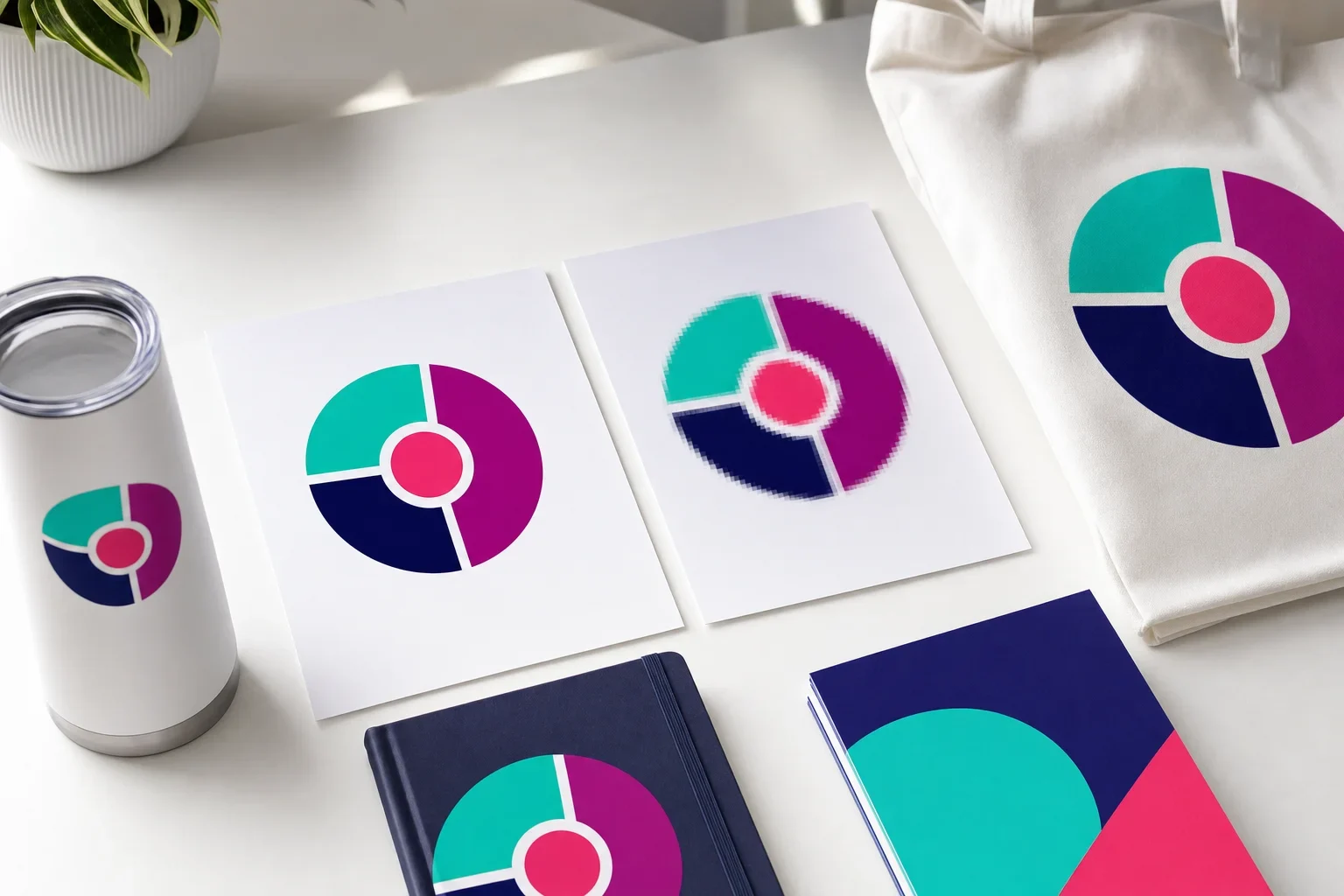
Most customers are familiar with regular image files like PNGs and JPGs. These are raster images, which means they are made from pixels. Pixels are tiny squares of color. When a raster image is enlarged too much, those squares become visible and the image starts to look blurry, jagged, or fuzzy.
Vector files are different. They are not locked to a fixed pixel grid, so they can usually be resized much more cleanly.
Vector vs. Raster Artwork
Both file types can be useful, but they behave very differently when resized.
Vector Artwork
- Built from paths, shapes, and curves
- Can be resized without becoming blurry
- Usually best for logos and spot color artwork
- Helpful for printing, embroidery, engraving, and debossing
Raster Images
- Built from pixels
- Can become blurry when enlarged
- Common file types include JPG and PNG
- Can work for some full color methods if high resolution
For a deeper comparison, read our guide to vector vs. raster images.
Why Vector Files Stay Sharp When Resized
Think of a vector logo as a set of clean instructions for drawing the logo at any size. The file tells the design program where the curves, lines, and shapes belong. Because the design is not trapped inside a tiny pixel box, it can grow or shrink without the edges falling apart.
A low-resolution JPG or PNG is different. If the file is small, there may not be enough image information to enlarge it cleanly. The computer has to stretch the existing pixels, which can create soft edges, jagged curves, and blurry text.
This matters on promotional products because imprint areas vary so much. A logo may need to fit a narrow pen, a small left-chest apparel area, a wide tote bag imprint, or a wraparound bottle design. Vector artwork gives the decorator more flexibility.
Why Screenshots and Website Logos Often Cause Problems
A screenshot, email signature logo, social media image, or logo copied from a website may look perfectly fine on a screen. That does not always mean it is ready for production.
Website images are often saved small so pages load quickly. Social media images may be compressed. Email signature logos are usually tiny. Screenshots capture whatever is visible on the screen, but they do not create a clean production file.
These files can be useful as a reference, but they may not provide enough quality for printing, embroidery, engraving, or other decoration methods.
Helpful rule
If the logo came from a website, email signature, social media profile, or screenshot, it may be helpful for reference, but it may not be production-ready artwork.
Common Vector File Types
Vector files are often created by a graphic designer, branding agency, sign company, screen printer, or previous vendor. If you had a logo professionally designed, you may already have vector artwork somewhere in your original logo package.
Common vector-friendly file types include:
Helpful Vector File Types
These files are often useful, but the contents still need to be checked.
AI
A common Adobe Illustrator file type used by designers. Often useful for logo artwork.
EPS
A common production artwork format that often contains scalable vector shapes.
SVG
A scalable vector format often used for web and design applications.
A PDF may contain vector artwork, but not every PDF is actually vector.
For more help with acceptable file types, read what file types can I upload?
Are PDF Files Always Vector?
No. A PDF can contain vector artwork, but it can also contain a low-resolution image placed inside a PDF. This is one of the sneaky little file goblins of the artwork world.
For example, someone can take a blurry JPG logo, place it into a PDF, and send that PDF as artwork. The file extension may say PDF, but the logo inside may still be pixel-based and low quality.
A good vector PDF usually contains clean, editable paths and shapes. A poor PDF may simply be a wrapper around a screenshot or raster image.
A PDF is not automatically production-ready
If you have a PDF, send it. It may be exactly what is needed. Just know that the file still needs to be checked because not every PDF contains true vector artwork.
Can PNG or JPG Files Work?
Sometimes. A PNG or JPG is not usually ideal for spot color logo reproduction, but a high-resolution raster file may work for certain full color decoration methods.
For example, a detailed full color design may be acceptable for some digital printing, full color transfer, sublimation, or decal methods if the file is high enough resolution and sized properly for the imprint area.
However, low-resolution PNGs and JPGs can cause problems. If the image is small, blurry, compressed, or copied from the web, it may not print cleanly.
When Raster Files May Work
PNG and JPG files are not always unusable, but quality and method matter.
May Work
High-resolution artwork used for some full color printing, transfers, decals, or sublimation.
May Not Work
Small website logos, screenshots, compressed images, or blurry files.
Best Practice
Send the highest-resolution version you have, even if you are not sure it is perfect.
If your logo looks fuzzy, read why does my logo look blurry?
How Vector Artwork Helps Different Decoration Methods
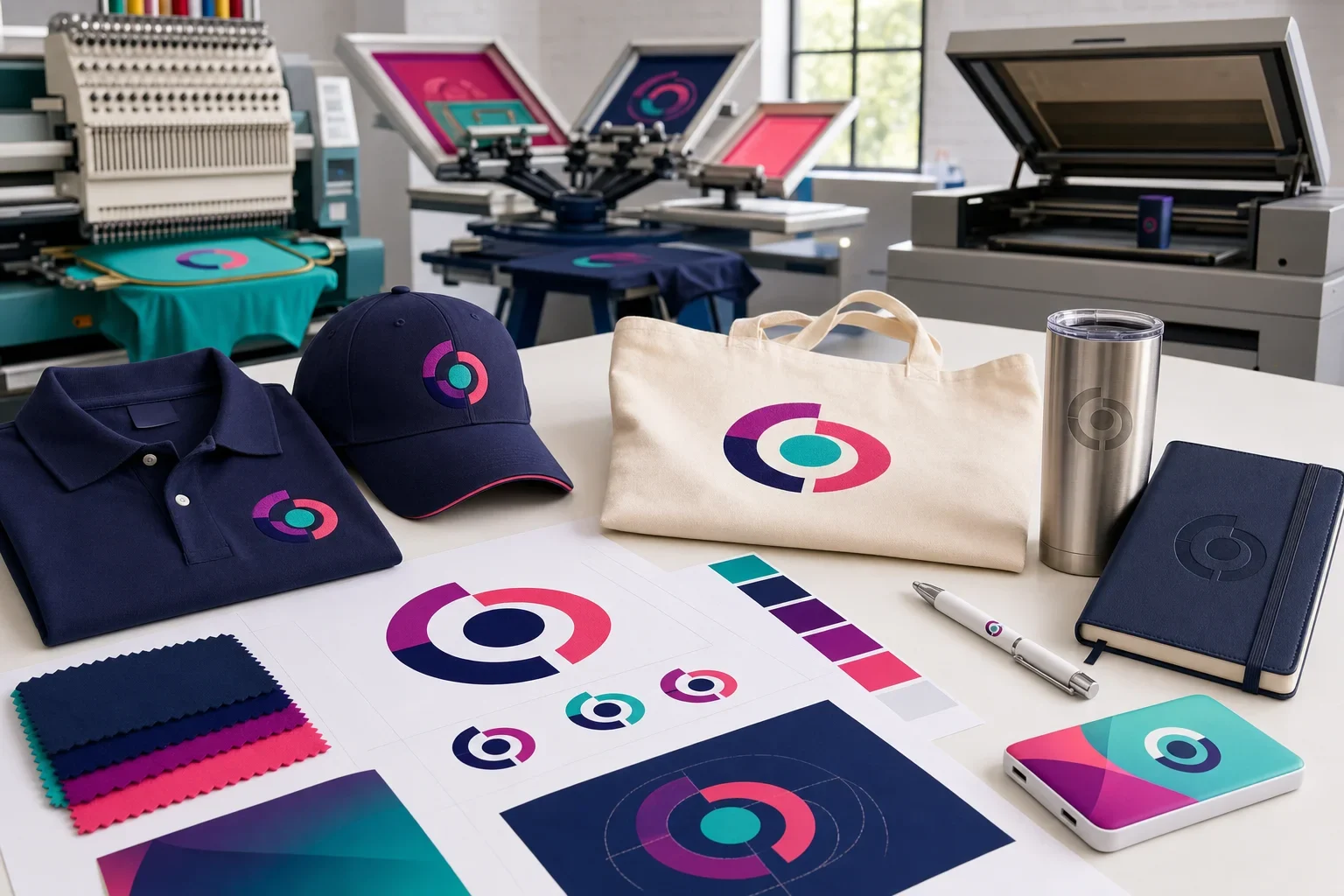
Different decoration methods use artwork in different ways. Vector files are not just a nice-to-have. For many methods, they can make production cleaner, easier, or more reliable.
Screen Printing
Screen printing often works best with clean, solid-color artwork. Vector files help separate the design into clean shapes and colors. This is especially helpful when each print color needs to be handled separately.
If your logo has too much detail, too many colors, gradients, or tiny text, screen printing may not be the best choice. Read more about why every logo cannot be screen printed.
Embroidery
Embroidery uses thread, so the artwork often needs to be converted into stitches. Vector artwork gives the digitizer a cleaner starting point, but some logos still need simplification. Tiny text, thin lines, gradients, and small details may not stitch clearly.
For apparel decisions, read embroidery vs. screen printing.
Laser Engraving
Laser engraving often works well with clean vector artwork because the design needs to be marked into the product surface. Simple shapes, clear lines, and strong contrast usually engrave better than fuzzy images or complicated shaded artwork.
Debossing and Embossing
Debossing presses a design into the surface, while embossing raises the design from the surface. These methods often need clean, simplified artwork. Fine lines, tiny gaps, and small details may not reproduce well when pressed into a material.
For more detail, read deboss vs. emboss.
Full Color Printing
Full color printing may be able to use high-resolution raster artwork in some cases, especially when the design includes gradients, photos, or complex color. Vector artwork is still helpful for logos, clean edges, and color control, but the best file depends on the artwork and method.
If you are comparing print methods, read full color digital vs. full color transfer.
What If You Do Not Have a Vector File?
First, do not worry. Many customers do not have vector artwork ready when they start an order. The best first step is to send the highest-quality logo file you can find.
Good places to check include your original logo design folder, brand guidelines, website files, sign company files, apparel vendor files, print shop files, business card files, or email attachments from whoever originally created your logo.
If you cannot find vector artwork, send what you have. Sometimes a high-resolution file can work. Sometimes artwork can be cleaned up or recreated. Sometimes a simpler version of the logo may be recommended for a specific product or decoration method.
Where to Look for Vector Artwork
Your best logo file may already exist somewhere.
Logo Designer
Ask for the original AI, EPS, SVG, or vector PDF files.
Brand Folder
Check shared drives, brand guidelines, old design folders, or marketing assets.
Previous Vendors
Screen printers, sign shops, uniform vendors, or print shops may have production artwork.
Website Files
Your site may have an SVG or higher-quality logo file, but a small website PNG may not be enough.
Can Artwork Be Converted to Vector?
Sometimes. Artwork can sometimes be recreated or converted into vector format, especially if the logo is simple and the reference file is clear.
However, automatic tracing is not magic. If the starting image is blurry, tiny, compressed, or complicated, tracing can create messy shapes, uneven curves, strange edges, or inaccurate details. In some cases, the logo may need to be manually rebuilt.
Simple logos are usually easier to recreate than detailed artwork with gradients, tiny text, shadows, textures, or photographic elements.
Artwork cleanup is not the same as a perfect original file
Recreating or tracing artwork may help, but the best option is usually the original vector logo file from the designer or brand package.
Common Vector Artwork Mistakes
Most artwork issues are not anyone’s fault. They usually happen because the file that looked fine on screen was not built for production.
- Sending a screenshot instead of the original logo file
- Uploading a small website logo that becomes blurry when enlarged
- Assuming every PDF is automatically vector artwork
- Using a PNG or JPG when a clean vector logo is available somewhere
- Submitting artwork with tiny text that will not print, stitch, or engrave clearly
- Using gradients or shadows for a decoration method that needs solid colors
- Expecting a low-resolution file to look sharp on a larger imprint area
- Approving a proof without checking logo size, placement, spelling, and general appearance
For more help avoiding delays, read common artwork mistakes.
Vector Artwork Checklist
Before submitting artwork for a promotional product order, use this quick checklist.
Artwork File Checklist
A better starting file usually leads to a cleaner finished product.
Best File
Send AI, EPS, SVG, or vector PDF files if you have them.
Highest Quality
If you only have PNG or JPG files, send the largest and sharpest version available.
Logo Version
Send the version you want printed, such as full color, one color, stacked, horizontal, or icon-only.
Color Details
Include Pantone or brand color information if exact color is important.
Readable Details
Check that small text, thin lines, and details will still be clear at the imprint size.
Proof Review
Review the proof carefully before approval, including placement, size, spelling, and logo version.
For a more complete prep list, visit our artwork checklist before ordering.
How Vector Artwork Connects to Proofs and Color
Vector artwork helps with clean production, but it does not replace proof review. A proof helps confirm the logo version, size, placement, and general appearance before production begins.
It is also important to remember that color can vary by product material, imprint method, product color, lighting, ink, thread, engraving process, and other production factors. Vector artwork can help define colors more clearly, but it does not guarantee that every material will display color exactly the same way.
For more detail, read what is a print proof?, what are Pantone colors?, and why colors look different on products.
The Bottom Line
Vector artwork is usually the best file format for logos because it can be resized without becoming blurry. That makes it especially helpful for promotional products, where your logo may need to work across different materials, imprint areas, and decoration methods.
AI, EPS, SVG, and vector PDF files are often helpful. PNG and JPG files may work for some full color methods if they are high resolution, but screenshots, tiny website logos, and compressed images often cause quality problems.
You do not need to know all the technical details before ordering. Send the best file you have, and Purple Pie Promos will review your artwork before production to help make sure it is suitable for the product and decoration method.
Vector artwork keeps your logo sharp
The cleaner the starting artwork, the better chance your finished promotional products have of looking crisp, professional, and easy to read.
If you are not sure what kind of file you have, send it anyway. We can help review it before your order moves forward.
Not sure if your logo is production-ready?
Purple Pie Promos can review your artwork, product, imprint area, and decoration method before production. Send the best file you have, and we will help you figure out whether it is ready or if a better file is needed.
Request Artwork Help