


Quick Answer
Artwork quality matters because your logo has to be translated from a digital file onto a physical product. Low-resolution files, screenshots, blurry images, tiny text, thin lines, gradients, and poor color files can cause printing, embroidery, engraving, or transfer problems. Clean vector artwork or high-resolution artwork gives decorators the best chance to create a sharp, professional finished product.
Artwork is one of the most important parts of a promotional product order, but it is also one of the easiest parts to overlook.
A logo may look fine on your computer screen, in an email signature, or on a website. But once that logo is printed on a tote bag, embroidered on a polo, engraved on a tumbler, or transferred onto a hoodie, the quality of the original file starts to matter a lot.
Good artwork helps the decoration process. Poor artwork fights it. And nobody wants to go twelve rounds with a pixelated raccoon of a logo.
This guide explains why artwork quality matters, what kinds of files work best, what can go wrong with low-quality artwork, and what to send when you are not sure what you have.
Send the best file you have
You do not need to be an artwork expert before placing an order. Purple Pie Promos reviews your logo, file quality, product, imprint area, and decoration method before production. If the artwork needs a better file, cleanup, simplification, or a different decoration method, we will help guide you before the order moves forward.
What Does Artwork Quality Mean?
Artwork quality refers to how usable your logo or design file is for production. It is not only about whether the image looks good on your screen. It is about whether the file can be resized, separated, printed, stitched, engraved, transferred, or otherwise decorated cleanly on a real product.
Good production artwork is usually clear, sharp, properly sized, and compatible with the decoration method being used.
Good Artwork Usually Has
Clean artwork gives decorators more control and usually creates a better finished product.
Sharp Edges
The logo is clean, not blurry, fuzzy, or pixelated.
Enough Resolution
The file is large enough for the imprint size needed.
Scalable Format
Vector artwork can be resized without losing quality.
Clean Colors
The logo colors are clear enough to prepare for the selected method.
Readable Details
Text, lines, and icons are large enough to reproduce clearly.
Production Friendly
The artwork matches the product, imprint area, and decoration method.
Why a Logo Can Look Good on Screen But Print Poorly
Computer screens are forgiving. Physical products are not.
A small logo image may look clean on a website because it is only being shown at a small size. But if that same file is enlarged for a tote bag, shirt, sign, notebook, or drinkware imprint, it may become blurry or pixelated.
Digital screens also display color with light, while physical products use ink, thread, engraving, dye, foil, transfer material, or product surface texture. That means a logo that looks perfect on a monitor may need adjustment before it decorates well.
Screen View vs Product Reality
A logo has to survive the trip from digital file to physical product.
Looks Fine on Screen
- Small website logo
- Email signature image
- Social media graphic
- Screenshot or copied image
Needs to Work in Production
- Large enough for imprint size
- Sharp at final size
- Compatible with decoration method
- Clean enough for proofing and production
Vector Artwork vs Raster Artwork
One of the most important artwork differences is vector versus raster.
Vector artwork is built from mathematical paths, shapes, and curves. It can be enlarged or reduced without becoming blurry. This makes vector artwork ideal for logos, screen printing, embroidery preparation, engraving, debossing, pad printing, and many promotional product decoration methods.
Raster artwork is built from pixels. JPG, PNG, and many image files are raster files. Raster artwork can work in some situations, especially for full color printing, but it must be high enough resolution for the final imprint size.
For more detail, read our guide on what vector artwork is.
Vector vs Raster
Vector is usually best for logos. Raster can work when it is high resolution and appropriate for the method.
Vector Artwork
- Scales cleanly
- Best for logos
- Useful for spot color printing
- Often preferred for production
Raster Artwork
- Made of pixels
- Can become blurry when enlarged
- May work if high resolution
- Often used for photos or full color graphics

Why Low-Resolution Files Cause Problems
Low-resolution files are one of the most common artwork problems in promotional product orders.
A low-resolution logo may look fuzzy, jagged, compressed, or pixelated when enlarged. It may also be hard to separate into colors, convert for embroidery, engrave cleanly, or use for a precise print method.
Common low-quality files include screenshots, website images, small JPGs, copied social media images, files pulled from email signatures, and logos placed inside documents instead of provided as original artwork files.
Files That Often Cause Problems
These files may be useful for reference, but they are not always production ready.
Screenshots
Usually too small or pixelated for clean production.
Website Logos
Often optimized for web display, not physical product decoration.
Email Signatures
These logo images are often tiny and compressed.
Social Media Images
May be compressed, cropped, or too small for imprinting.
Word or PowerPoint Files
May contain a logo, but not always the original production artwork.
Blurry JPGs
A blurry file will usually still be blurry when decorated.
Why Tiny Text and Fine Lines Matter
Artwork quality is not only about file format. The design itself matters too.
Tiny text, thin lines, small icons, detailed badges, taglines, and intricate shapes may not reproduce clearly when the imprint area is small.
This is especially important on small products like pens, lip balm, keychains, drinkware, notebooks, small bags, tech accessories, and narrow imprint areas. A logo with a long tagline may look great on a website but become unreadable on a pen.
Small Detail Issues
Even good artwork may need simplification for small imprint areas.
Usually Safer
- Larger text
- Thicker lines
- Simple icons
- Clean logo marks
Needs Review
- Tiny taglines
- Hairline strokes
- Dense badges
- Very detailed icons
Why Gradients, Shadows, and Effects Can Be Difficult
Modern logos often include gradients, shadows, glows, transparency effects, and layered colors. These can look great digitally, but they do not work with every decoration method.
Screen printing often works best with solid colors. Embroidery uses thread, which cannot reproduce soft digital effects the same way ink or pixels can. Debossing and engraving rely on shape and surface detail, not full color effects.
If your logo depends on gradients or shadows, a full color digital print, transfer, sublimation, decal, or another full color method may be a better choice.
For more detail, read our guide on why not every logo can be screen printed.
Digital Effects Need the Right Method
Not every decoration method can reproduce screen-based visual effects.
Gradients
May need full color printing or simplification into solid colors.
Shadows
Soft shadows rarely translate cleanly into standard screen print or embroidery.
Transparency
Layered transparent effects can behave differently on physical products.
Photo Effects
Photographic detail usually needs a full color method rather than a simple imprint.
How Artwork Quality Affects Different Decoration Methods
Different decoration methods read artwork differently. A file that works for one method may need adjustment for another.
Screen printing may need clean separations and solid colors. Embroidery needs stitch-friendly artwork. Laser engraving needs clean shapes and lines. Debossing and embossing need simple marks. Full color printing needs high-resolution files and realistic color expectations.
Artwork Quality by Decoration Method
The best artwork file depends on how the product will be decorated.
Screen Printing
Works best with clean vector artwork, solid colors, readable text, and simple shapes.
Embroidery
Needs artwork that can be translated into thread, without tiny text or excessive detail.
Full Color Printing
Needs high-resolution artwork, clean edges, and realistic color expectations.
Transfers
Can handle more color and detail, but still need clear artwork at the final print size.
Laser Engraving
Works best with clean line art, simple shapes, and artwork that looks good without color.
Deboss or Emboss
Works best with simple logos, bold marks, and artwork that can become tactile texture.

Artwork Quality and Screen Printing
Screen printing usually works best with clean artwork, solid colors, and sharp edges. If a logo has multiple colors, each color may need to be separated and prepared for production.
Low-resolution artwork can make it harder to create clean screens. Tiny text and thin lines can disappear or print poorly. Gradients and shadows may need to be simplified or moved to a full color method.
For more detail, read our guides on what a screen is in screen printing and why each print color costs more.
Artwork Quality and Embroidery
Embroidery uses thread, so artwork needs to be translated into stitches. A logo with tiny text, thin lines, gradients, shadows, or photo-style detail may not embroider clearly.
A simplified logo version often works better for embroidery. Removing small taglines, thickening lines, simplifying icons, or choosing a larger placement can improve the final result.
For colorful logos, newer full color embroidery options may be available in some cases, but artwork still needs to be reviewed carefully.
For more detail, read our guides on embroidery vs screen printing and what full color embroidery is.
Artwork Quality and Full Color Printing
Full color printing can reproduce more colors and detail than many basic imprint methods, but it still depends on file quality.
If a full color image is blurry, compressed, or too small, it may still print blurry. Full color printing does not magically sharpen low-quality artwork. It simply reproduces the file more directly.
High-resolution artwork, clean edges, and proper file preparation make full color printing more successful.
For more detail, read our guide on full color digital vs full color transfer.
Artwork Quality and Engraving
Laser engraving usually creates a mark by removing or altering the product surface. It does not print color. That means artwork for engraving should look good as a one-color shape or line design.
Gradients, shadows, photographs, and soft effects may not translate well into engraving. Clean vector artwork is often preferred because the design needs to be sharp and readable without relying on color.
Artwork Quality and Debossing or Embossing
Debossing and embossing create texture. Debossing presses the design down into the surface. Embossing raises it up from the surface.
Because these methods rely on shape and pressure, they work best with simple artwork. Tiny text, gradients, shadows, and highly detailed logos may not show clearly as a tactile mark.
For more detail, read our guide on deboss vs emboss.
What Files Should You Send?
The best file depends on the decoration method, but vector logo files are usually the safest starting point for most promotional product orders.
Helpful file types may include AI, EPS, SVG, PDF, high-resolution PNG, high-resolution JPG, or other design files. Vector files are preferred for logos when available. High-resolution raster files can work for some full color methods.
If you are not sure what the file is, send the best version you have. A logo file hidden inside a folder somewhere is better than a screenshot taken during a mild panic spiral.
Helpful Artwork Files to Send
Send the cleanest original artwork you can find.
Best When Available
AI, EPS, SVG, or vector PDF logo files.
Often Useful
High-resolution PNG or JPG files, especially for full color decoration.
Helpful for Reference
Brand guides, color information, alternate logo versions, and placement examples.
Less Ideal
Screenshots, small website images, copied social graphics, or blurry files.
Transparent Backgrounds and White Boxes
One common artwork issue is an unwanted background.
A logo may appear to have a transparent background, but the actual file may include a white box, colored box, or flattened background. That can be a problem if the logo is going on a colored shirt, bag, notebook, bottle, or product surface.
Transparent PNG files can be helpful for some uses, but vector files are often better for production. The important thing is making sure the background is intentional.
Helpful way to think about it
If the white box is part of the file, it may print unless the artwork is cleaned up or prepared correctly. A transparent background or vector logo helps avoid unwanted boxes around your design.
Color Quality and Brand Matching
Artwork quality also affects color. A logo copied from a website may not include accurate brand color information. A screenshot may shift colors. A file saved in the wrong format may not communicate the intended print colors clearly.
Color can also change depending on the decoration method and product. Ink on fabric, thread on a polo, engraving on metal, and digital print on plastic all behave differently.
If color accuracy matters, send brand color information when available, such as Pantone values, CMYK values, RGB values, or a brand guide.
For more detail, read our guides on RGB vs CMYK and whether brand colors can be matched.
Color Details That Help
Good color information helps set realistic expectations before production.
Pantone Colors
Helpful for spot color printing and brand color references.
CMYK Values
Helpful for some print workflows and full color production.
RGB Values
Useful for digital reference, but not always enough for physical printing.
Brand Guide
Helpful when the logo has official colors, spacing, or usage rules.
Proofs Do Not Fix Bad Artwork Automatically
A proof is a preview of how the logo is expected to appear on the product. It is an important review step, but it does not automatically repair a poor-quality file.
If the artwork is low resolution, blurry, or missing detail, the proof may still show the artwork placed correctly, but the file quality may remain a problem.
That is why artwork review happens before production. If the file is not usable, it is better to catch that before the order moves forward.
Proof vs Artwork Quality
A proof helps confirm placement and general appearance, but the source file still matters.
Proof Helps Show
- Logo placement
- Approximate size
- General layout
- Product appearance
Artwork Still Controls
- Sharpness
- Resolution
- Detail clarity
- Production usability
Can Bad Artwork Be Fixed?
Sometimes. It depends on the file and the logo.
Some artwork can be cleaned up. Some logos can be recreated as vector artwork. Some designs can be simplified for screen printing, embroidery, engraving, or debossing. Other files may be too blurry or incomplete and need a better original source.
Auto-tracing a low-resolution logo can sometimes help, but it is not magic. It can create lumpy shapes, rough curves, distorted text, or strange edges if the original file is too poor. Real cleanup may require design work.
Artwork cleanup is sometimes possible
If your logo file is not production ready, Purple Pie Promos can help review what is needed. In some cases, the fix is simple. In other cases, a better original file or recreated vector artwork may be needed.

Common Artwork Mistakes
Most artwork problems are easy to understand once you know what production needs.
- Uploading a screenshot instead of the original logo file
- Using a tiny website logo for a large imprint area
- Sending a logo copied from an email signature
- Assuming a PNG is always production ready
- Using artwork with a white box that was not supposed to print
- Expecting tiny text to stay readable on small products
- Expecting gradients or shadows to work with every decoration method
- Using a full color logo when the product only allows 1-color screen print
- Expecting auto-tracing to fix a very blurry logo perfectly
- Approving a proof without checking spelling, placement, color expectations, or logo version
Artwork Quality Checklist
Before submitting artwork, use this checklist to help avoid common production issues.
Artwork Quality Checklist
A good file helps your logo decorate more cleanly and predictably.
Original File
Send the original logo file when possible, not a screenshot or copied image.
Vector Preferred
AI, EPS, SVG, or vector PDF files are usually best for logos.
High Resolution
If sending PNG or JPG, use the largest and clearest version available.
No Unwanted Background
Make sure any white box or colored background is intentional.
Readable Details
Check whether tiny text and thin lines will be clear at the final imprint size.
Color Info
Send brand colors or a brand guide when color matching matters.
What If You Are Not Sure What File You Have?
That is very common. Most people do not spend their days lovingly sorting logo files by production readiness. That would be a very niche hobby, and possibly a cry for help from a filing cabinet.
If you are not sure, send the best files you have. Send the logo file, any alternate versions, brand guide, and anything you think may help. It is better to send too much than to rely on a tiny screenshot.
Purple Pie Promos can review the files and help identify what is usable, what needs cleanup, and what may need a better original.
Not sure? Send it anyway.
You do not need to know whether your file is vector, raster, high resolution, transparent, CMYK, RGB, or production ready. Send what you have, and we can help review it before production.
The Bottom Line
Artwork quality matters because promotional products are physical objects. Your logo has to be printed, stitched, engraved, debossed, transferred, or otherwise decorated onto a real surface.
Clean artwork helps the decoration look sharp and professional. Poor artwork can lead to blurry prints, unreadable text, rough edges, incorrect colors, weak engraving, messy embroidery, or decoration methods that simply do not fit the design.
The best starting point is usually a clean vector logo file or a high-resolution image when full color printing is needed. But if you do not know what you have, send the best file available and let us review it.
Better artwork gives your logo a better chance
A good product and a good decoration method still need a clean file to work from.
Purple Pie Promos reviews artwork before production so your logo, product, and decoration method are working together, not wrestling in a tiny pixel swamp.
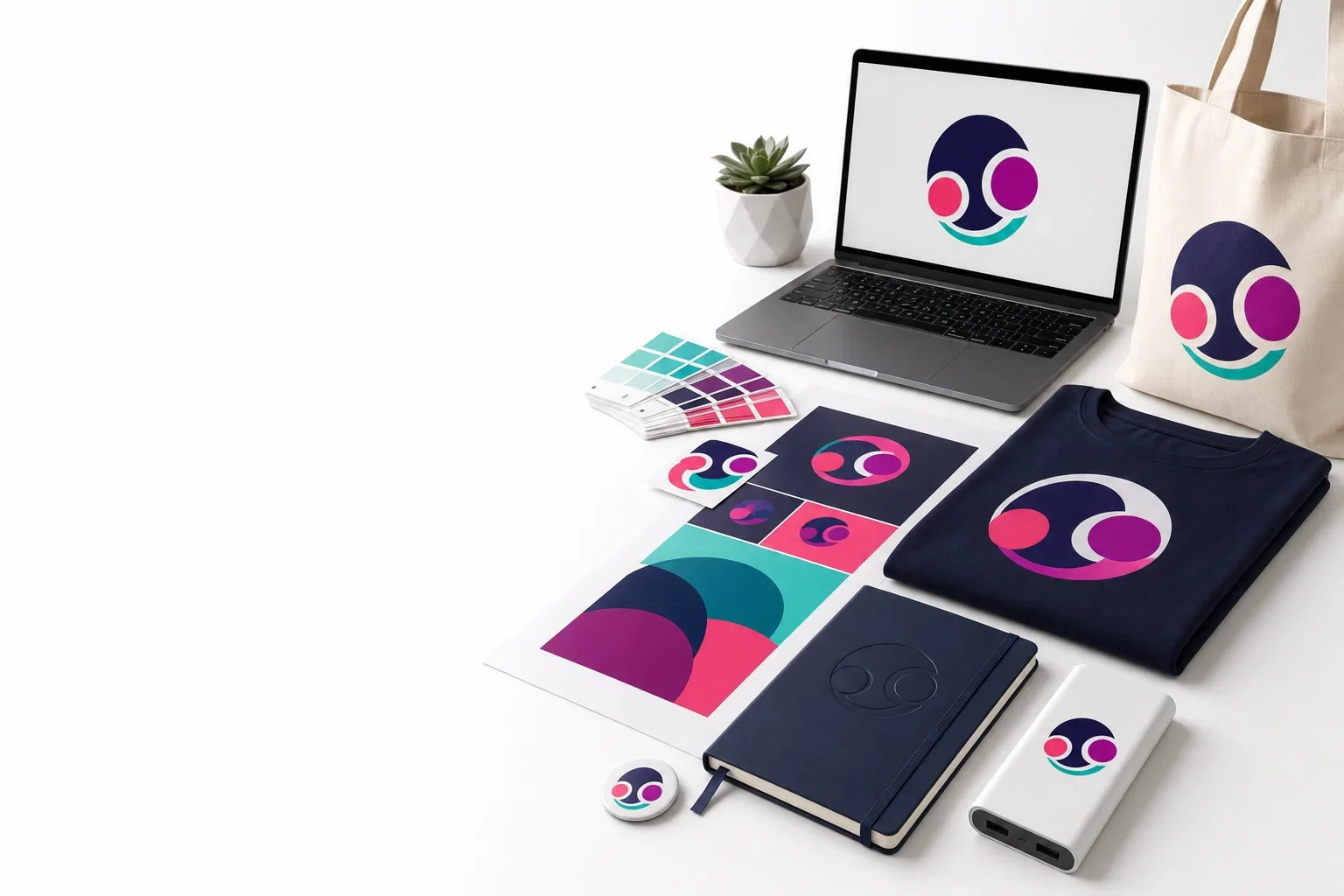
Need help checking your artwork?
Purple Pie Promos can review your logo file, product, imprint area, and decoration method to help determine whether your artwork is ready for production or needs cleanup first.
Request Artwork Review